01
Think it through.
Bring the messy first draft. Talk through a question, explore an idea, or find a fresh way forward.

Meet Cherry, your AI companion for clearer thinking, creative work, and everything that comes next.
Your ideas. Your pace. English or Thai.

FROM FIRST THOUGHT TO NEXT STEP
LESS FRICTION. MORE FLOW.
A thoughtful companion for your ideas, with the tools to take them further.
Find your workspaceBring the messy first draft. Talk through a question, explore an idea, or find a fresh way forward.
Turn long conversations into something useful: a summary, a plan, or a starting point.
Move from your conversation to your operations, with a clear path back to the work.
THE WORKSPACE, UNFOLDED.
One place to start. Choose the part of CherryDeskX you need and get straight to work.
A SPACE TO THINK OUT LOUD
Ask a question, shape an idea, or work through your next move with Cherry.
Let’s talk to Cherry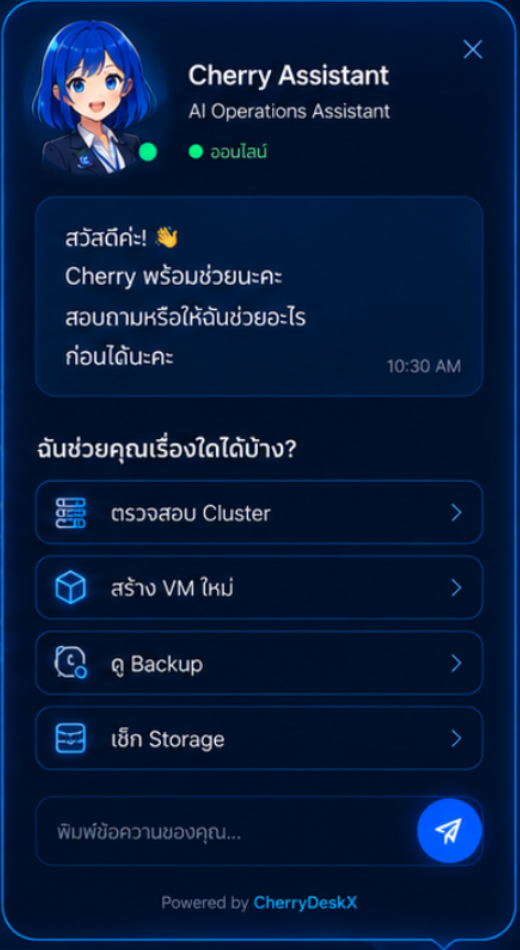
A CLEAR VIEW OF YOUR SYSTEMS
Open the operations console for your hosts, virtual machines, and infrastructure views.
Open operations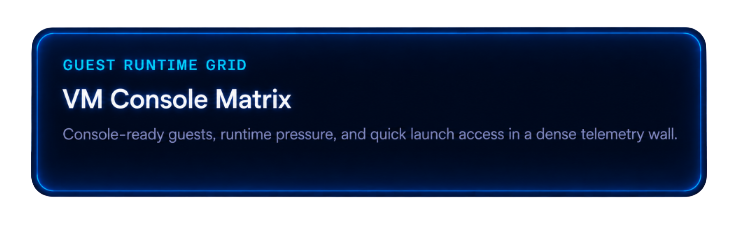
YOUR WORKSPACE STARTS HERE
Use your existing account and sign-in realm to access the operations console.
Go to sign in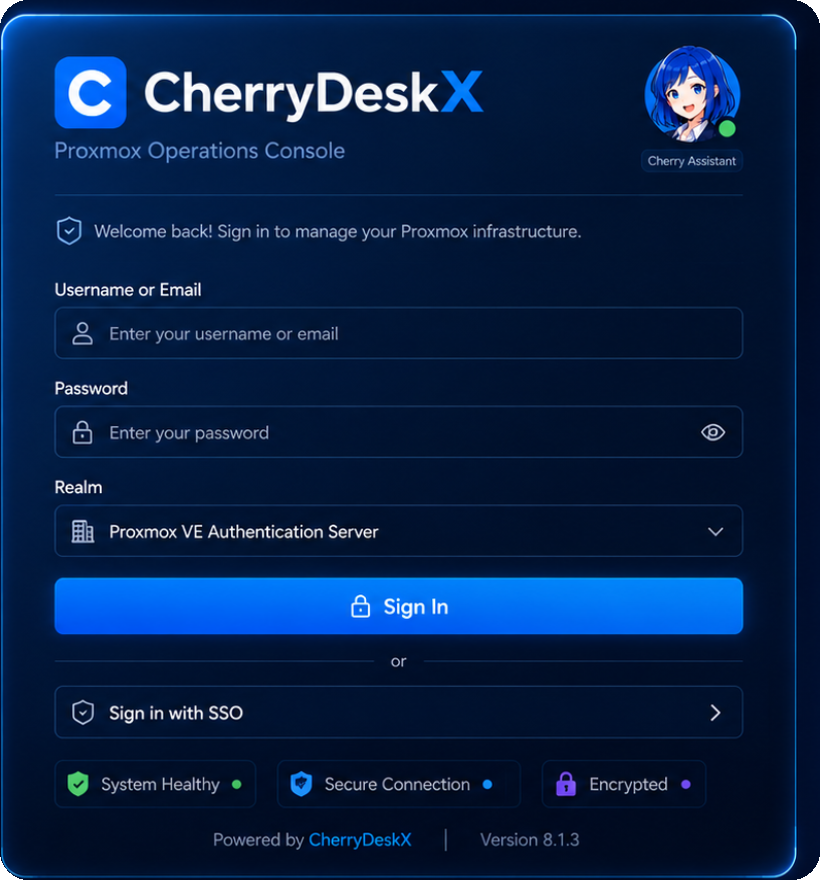
A SMALL MOMENT, JUST FOR YOU.
A little soundtrack for your next big idea. Press play, settle in, and let the work flow.
Tap play to start the Cherry mix.
Getting Cherry’s greeting ready…
YOUR NEXT GOOD IDEA STARTS HERE.
Cherry is here to help you make something of it.
Let’s talk to CherryOpen your operations console